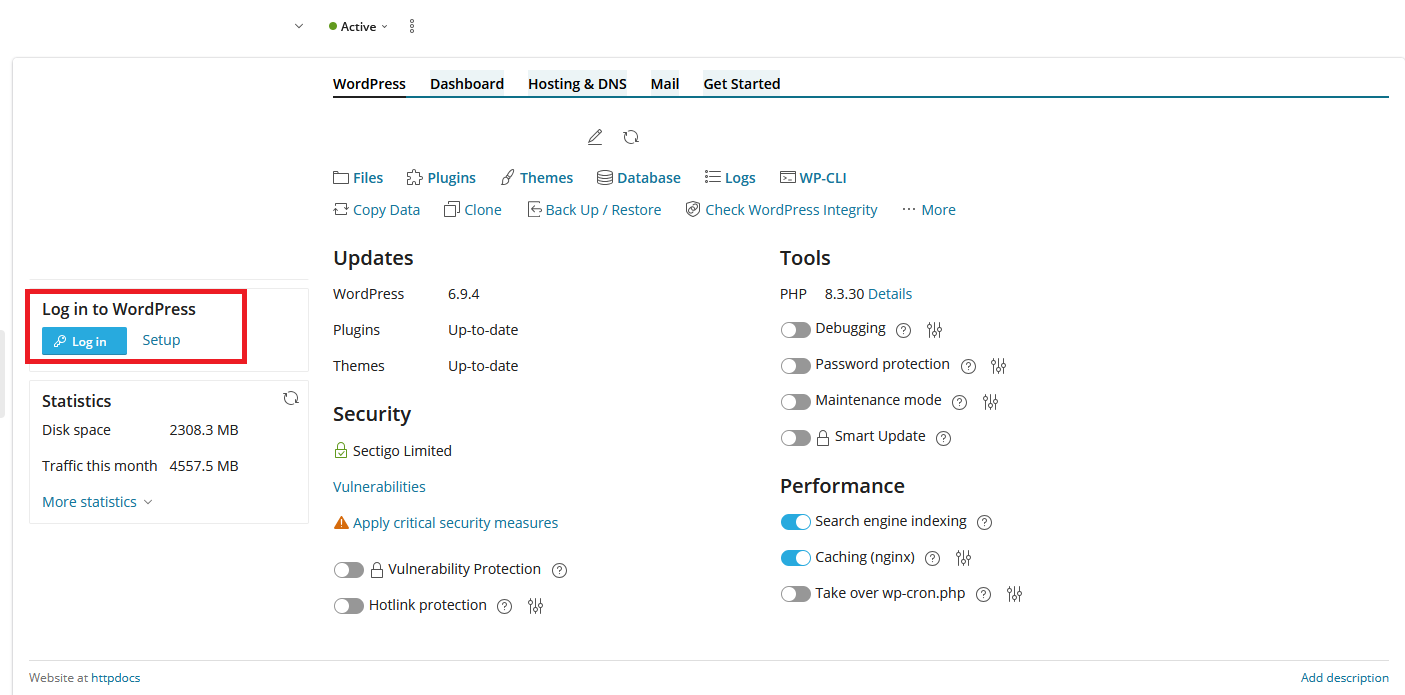
The following instructions are for resetting your WordPress admin password via the Plesk hosting panel.
1. Log in to the Client Area
2. Click on Products
3. Under Categories select Web Hosting
4. Click View Details next to the account you wish to manage
5. Click Manage / Login To Plesk
6. On the left there should be a preview image of your website - underneath this there is a Setup button. Click on this
7. Select the user you wish to change the password for
8. Enter your new password
9. Click Change
10. Once the password is reset you can click the blue Login button to instantly be taken to your WordPress dashboard.